MapleTax✨

Overview
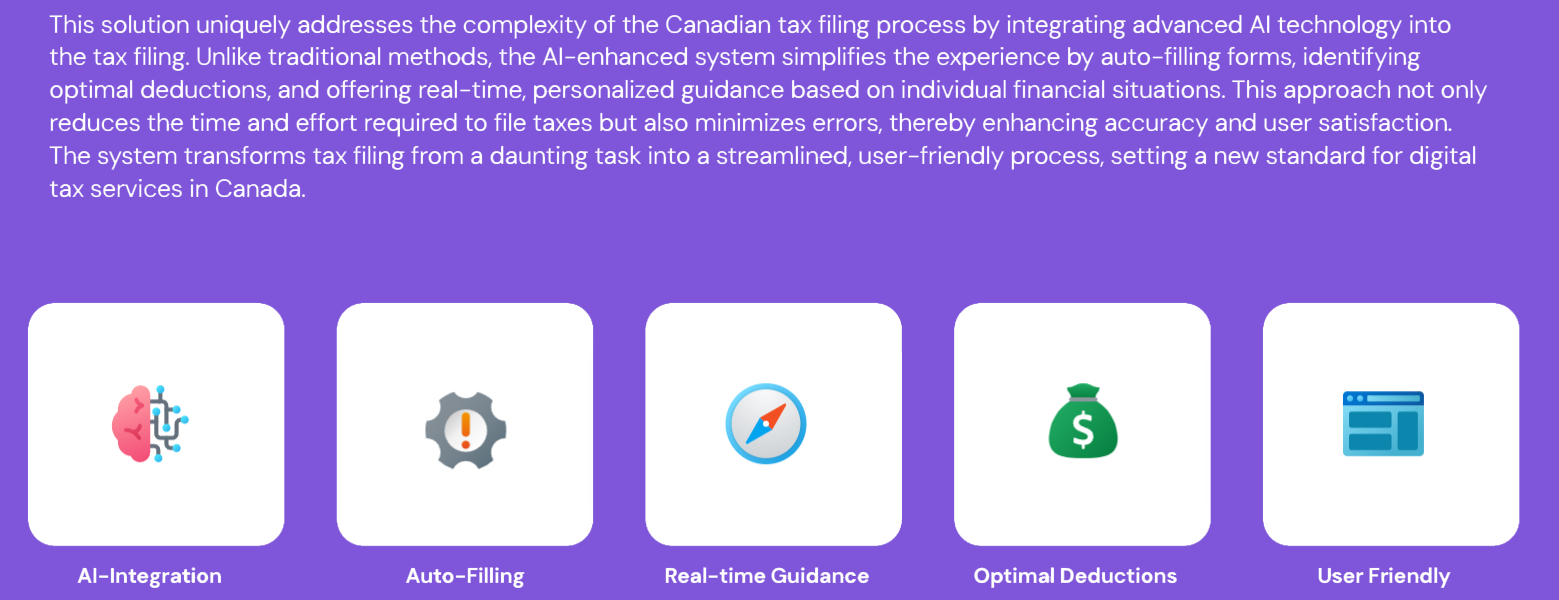
In Canada, filing taxes is often perceived as an overwhelming and confusing chore, leading to frequent errors and high user dissatisfaction. MapleTax was conceived to transform this daunting task into a seamless, automated experience. By integrating advanced AI systems, the platform automates data extraction from the Canada Revenue Agency (CRA), identifies optimal deductions, and provides real-time, personalized guidance through a unified chat interface.
The Big Idea: Shift tax filing from a manual, form-heavy struggle to an intuitive conversation driven by AI.
Problem Space
How Might We
Hypothesis

Value Proposition
Research & Discovery
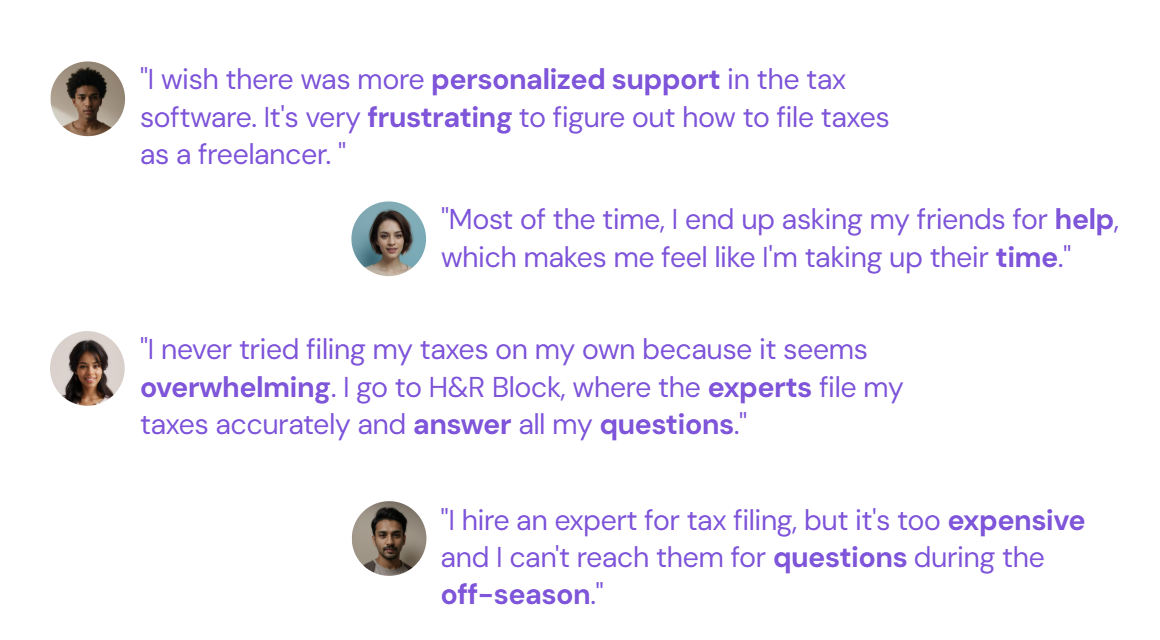
Based on the hypothesis, I conducted 10 interviews to gain insight into users' current experiences with tax filing. These interviews focused on how they manage the process, their understanding of it, and what they expect from a tax filing system.
Through affinity mapping, the discussions revealed key pain points, such as the complexity of deductions and the need for clearer guidance, particularly for freelancers and individuals with unique tax situations.
Key Insights
User Personas

Jenna Sanders (The Freelancer): A 25-year-old art instructor in Vancouver who finds reconciling freelance income and expenses tedious. She seeks personalized guidance on what she can actually deduct.

Ross (The PhD Student): A 38-year-old in Toronto juggling a startup job and academic research. He is overwhelmed by multi-income situations and fears making small, stressful mistakes.
Design Journey
Information Architecture
The architecture centers on a Welcome Section that branches into a "Unified Chat" for filing and a "General AI Chat" for ad-hoc tax questions. This allows users to either follow a structured path or seek immediate clarity on specific terms.

User Flow: The Freelancer Journey
I mapped a specific flow for a new freelancer seeking document guidance.
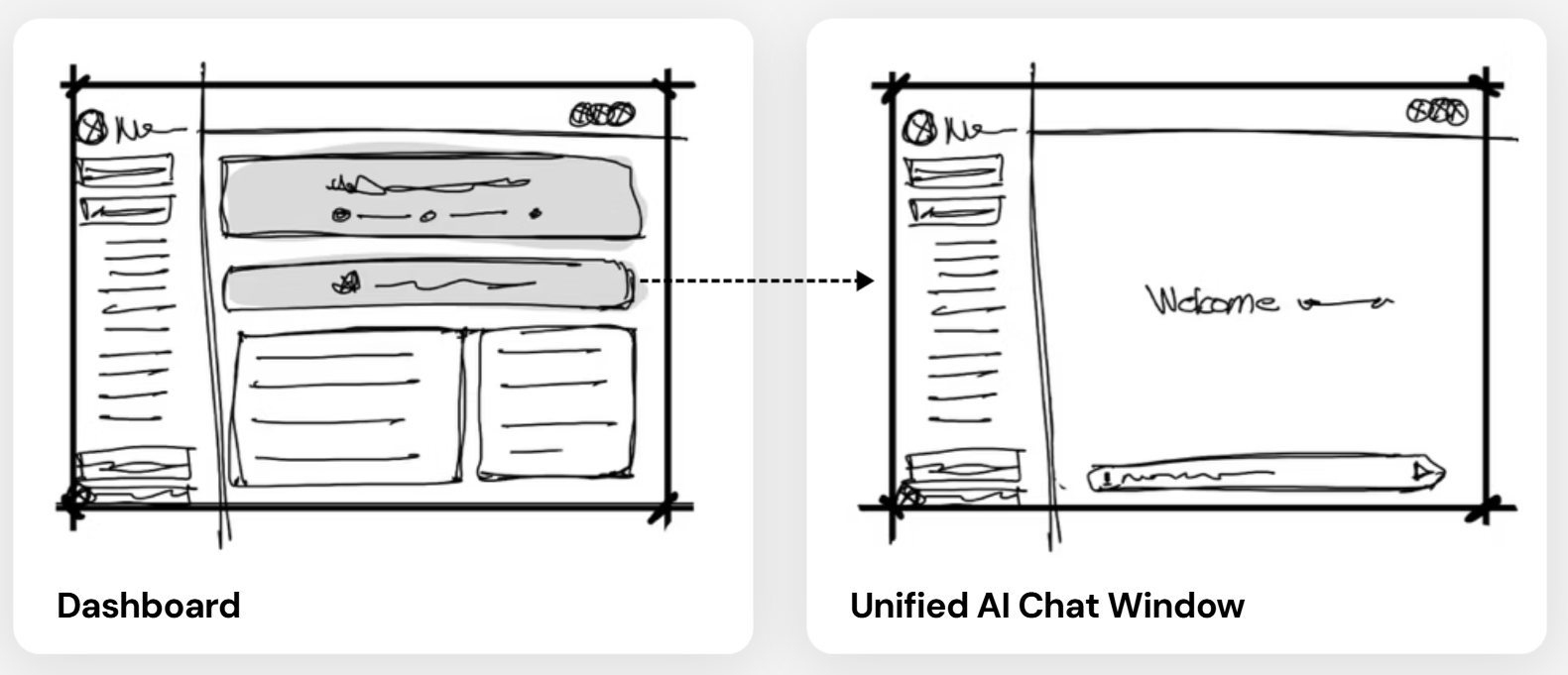
- Dashboard: User selects "Ask questions or Learn more!".
- Unified Chat: The AI greets the user and identifies their specific needs.
- Intelligence: The AI checks its knowledge base or searches CRA sources to provide a tailored list of required documents (Income records, T4As, etc.).

Wireframing & Prototyping
The UI was designed to feel "fresh" and modern.
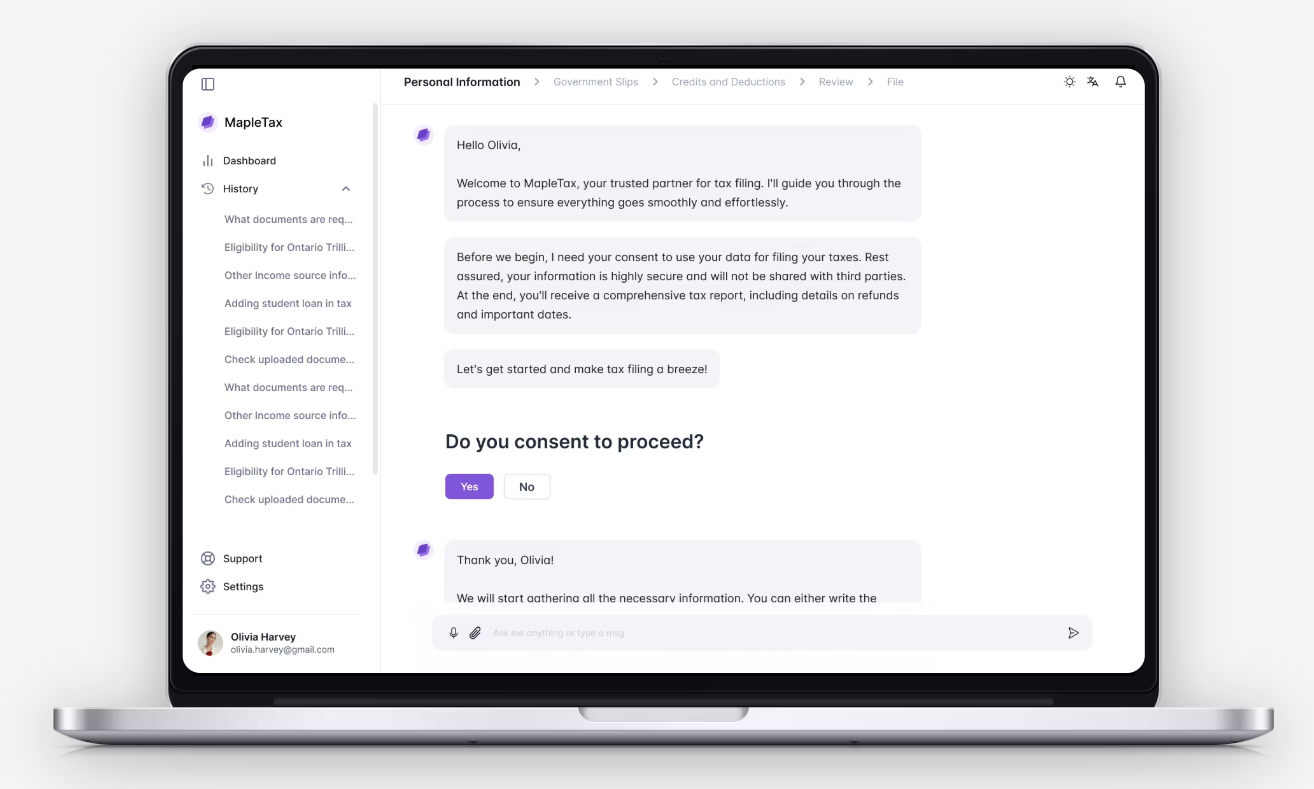
- Unified Chat Window: A clean interface where users can upload receipts (e.g., Adobe subscriptions, Zoom receipts) and watch the AI extract and categorize the data in real-time.
- Dashboard: A central hub to track "In-Progress" filings, view past tax reports, and manage uploaded documents.
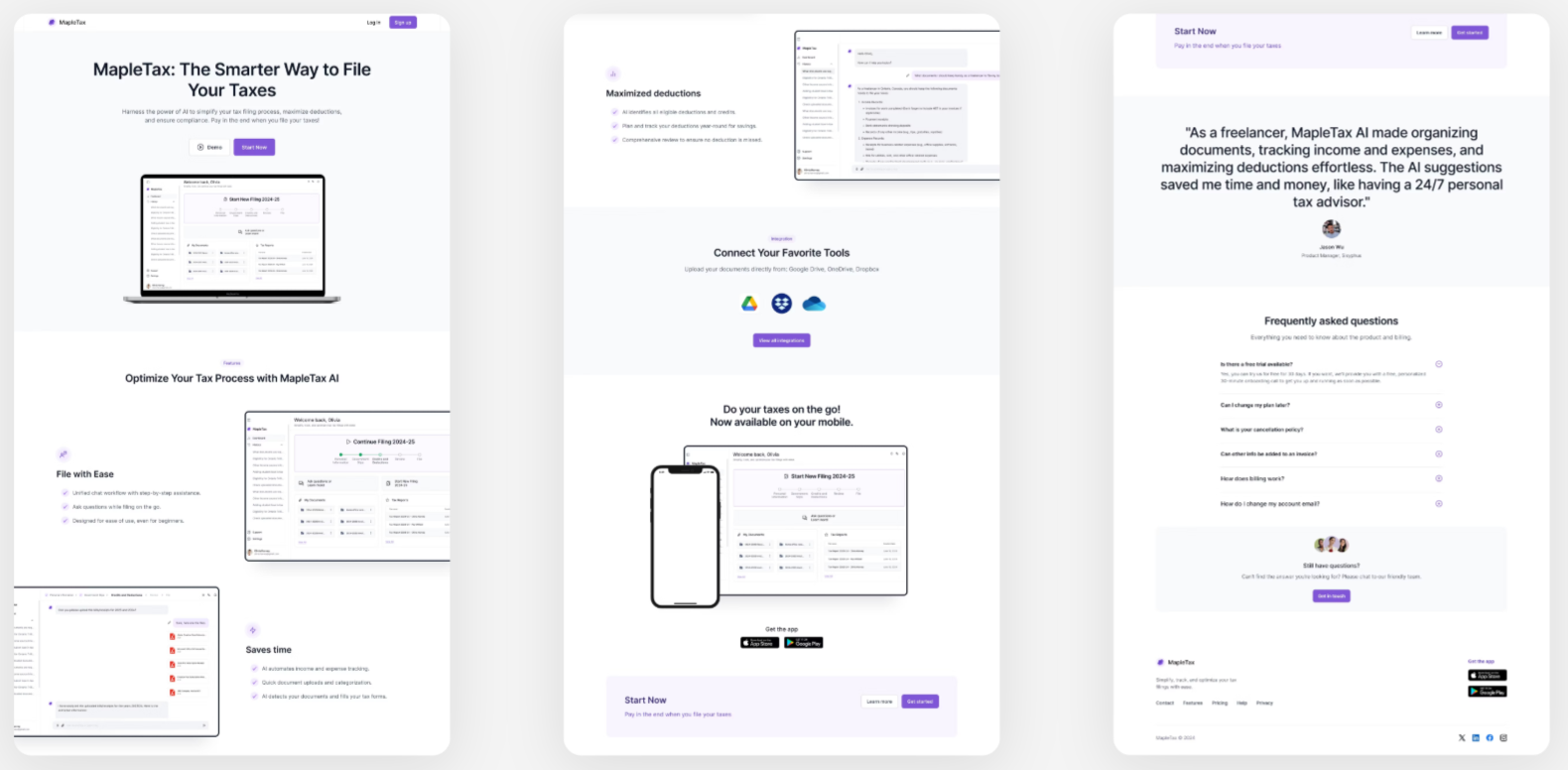
Home Page
Dashboard

Unified Chat

Style Guides
Visual Identity
I chose Purple as the primary brand color to provide a fresh, modern feel, intentionally avoiding red (often associated with debt/CRA) and green (overused in finance).
- Primary Brand Color: #9E77ED.
- Typography: Inter – chosen for its high readability in data-heavy contexts.
- Components: Rounded buttons and cards to reduce the "clinical" feel of traditional tax software.
